
Check the page first
Look at the visible URL, HTTPS indicator, spelling and page layout before entering login details.
Account Safety and Troubleshooting
Before entering any login detail, check the visible URL, HTTPS indicator, brand spelling and page context. This page focuses on password safety, OTP privacy, fake login warnings and common access problems.
Look at the visible URL, HTTPS indicator, spelling and page layout before entering login details.
Password and OTP belong only on the relevant login or verification screen, not in chat or calls.
If errors repeat, use only the recovery route visible on a trusted page and avoid paid manual help.
Password and OTP Safety
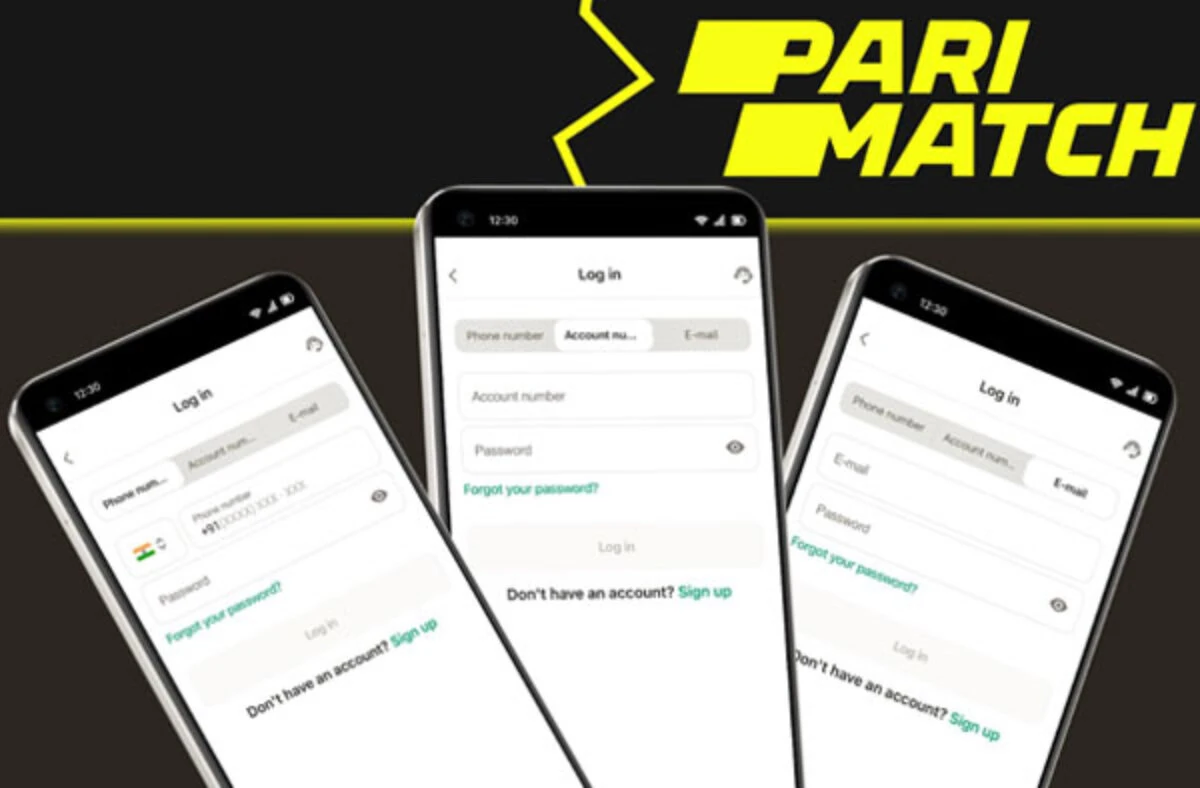
What to check: Check caps lock, old autofill, keyboard language and whether the correct phone or email is being used.
What not to do: Do not share password with support or anyone claiming manual login help.
What to check: Check network, SIM signal, message blocking and expiry time before requesting another OTP.
What not to do: Do not forward OTP to anyone through chat, call or screen share.
What to check: Check browser cache, network stability and whether the device date and browser are updated.
What not to do: Do not open random mirror links just because one page is slow.
What to check: Check spelling, layout, HTTPS, source of link and whether the request matches a normal login flow.
What not to do: Do not enter password, OTP or payment details on that page.
What to check: Use only the visible recovery route on a trusted page and keep the process inside the page.
What not to do: Do not pay anyone for manual recovery or remote device control.
Login Checklist Table
Login FAQ
No. It is an information site and does not collect passwords, OTP or account credentials.
Check the username or phone, old autofill, keyboard language, OTP expiry, network and browser cache before trying recovery.
Look for spelling mistakes, strange layout, missing HTTPS, urgent wording or requests for OTP, UPI PIN, CVV or banking password.
Shared devices add risk. If unavoidable, do not save credentials, log out fully and clear session data after use.