
18+ 18+ only. Check local laws, protect your account details and play responsibly.

Parimatch Safety Notes

India Payment Safety

Parimatch Payment Methods and Safety Checks

Indian users often check UPI, bank transfer, net banking, wallets and cards before making payment decisions. This page explains method checks, failed transaction handling and private information that should never be shared.
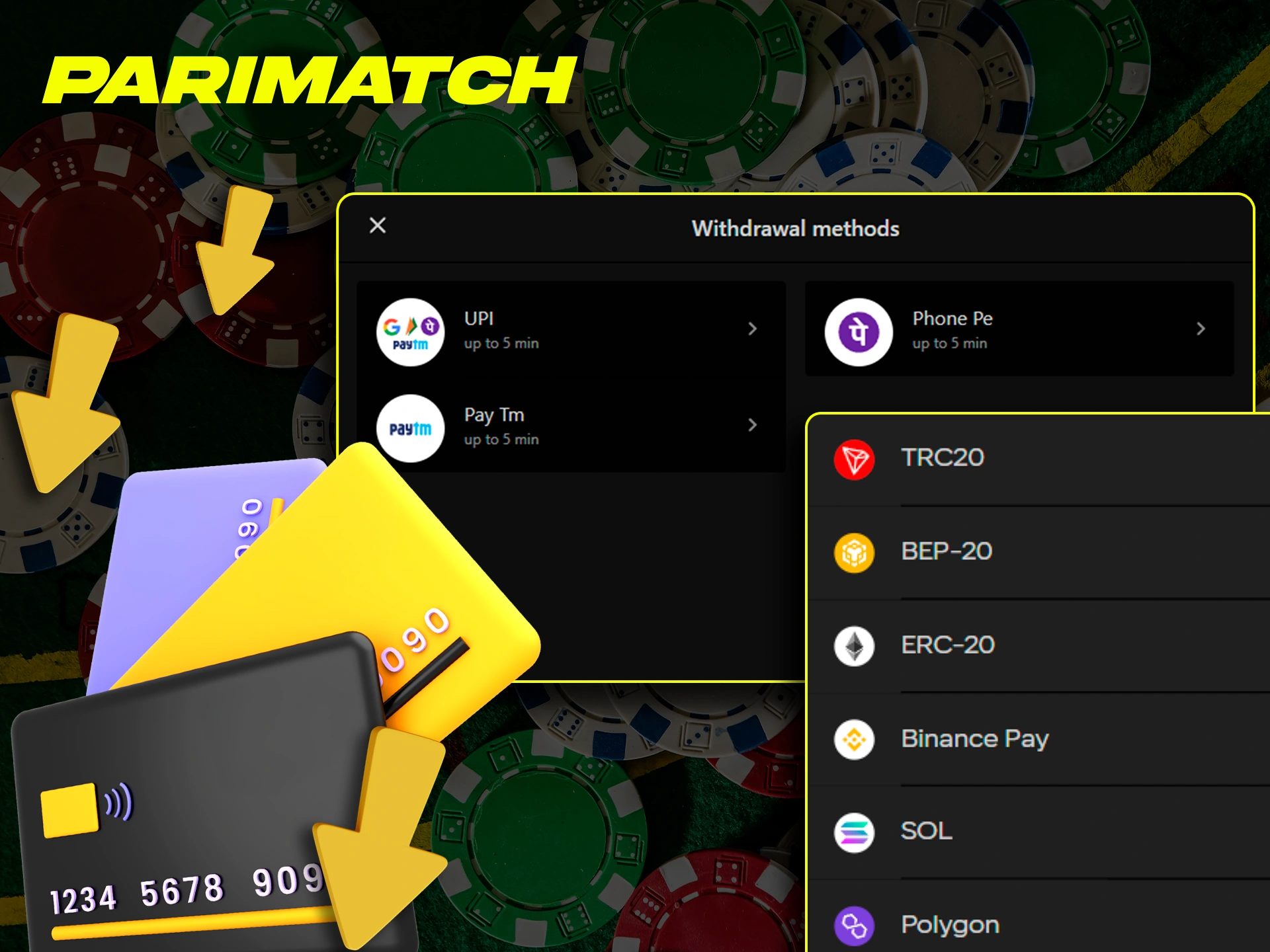
Parimatch payment safety reminder for UPI bank transfer wallets and cards

Methods

Check each method before use

This list gives general information only; real support can differ by method, account and platform settings.

UPI Check payee details and never share UPI PIN or approve a request you do not understand.
Bank Transfer Verify account details and keep transaction reference, amount, date and bank message.
Net Banking Use a private device, secure network and the bank page you recognise.
Mobile Wallets Save wallet notification and hide phone number or wallet ID when sharing a status note.
Cards Never share card PIN, CVV, OTP, full card number or saved-card details through chat or calls.

Data safety

Check account, amount and method details carefully

Before any payment, review the details again. Wrong account information, unstable network or another person account can create avoidable risk.
Payment safety

Steps before a transaction

  1. 01Check if money was debited

    Look at the bank, wallet or UPI app status before trying again.

  2. 02Save transaction ID

    Keep transaction ID, amount, time, date and method in your own record.

  3. 03Wait for clear status

    Let the bank, wallet or payment app update before repeating the payment action.

  4. 04Avoid quick duplicate attempts

    Do not repeat payment quickly on unstable network or while status is pending.

Pending payment checklist

Check debit status, save transaction ID, amount, time and method, then wait for bank or wallet status.

Duplicate payment warning

Repeated quick attempts can create confusion, especially when network or payment app status is unstable.

Screenshot privacy

Hide phone number, UPI ID, OTP, PIN, card details, account number and unrelated personal data.

Fake support warning

No support person should ask for OTP, UPI PIN, CVV or banking password.

Pending Payment Checklist

Save useful payment records without exposing secrets

Debit status Check whether money was debited, reversed or still pending.
Transaction ID Save the reference shown by bank, wallet, UPI app or card page.
Amount and time Record amount, date and approximate time for later reference.
Method Note UPI, bank transfer, net banking, wallet or card.
Visible status Keep a cropped screenshot that hides secret authentication details.

Private Data Protection

Never share authentication details

OTP OTP belongs only on the relevant verification screen.
UPI PIN UPI PIN must not be typed into chats, calls or third-party forms.
Card details Hide card PIN, CVV, full card number and expiry when saving records.
Banking password A payment issue should not require your net-banking password.
Account screenshots Crop phone number, account number, UPI ID and private balance details.

Payment FAQ

Parimatch payment FAQ

Is this a payment processing page?

No. It is a safety notes for records, pending status, privacy and fake-support risk.

What should I do if payment is pending?

Check whether money was debited, save transaction ID, amount, time and method, then wait for bank or wallet status before trying again.

What if a payment page asks for OTP outside my payment app?

Stop and verify the page. OTP should only be used in the expected verification flow, not in chat or an unrelated page.

Which payment details should never be shared?

Never share OTP, UPI PIN, card PIN, CVV, full card number, banking password or uncropped private screenshots.

Go